
PS3 Controller Not Working on PC? DualShock 3 Guide
4 November 2026 · 6 min read · Can Atasoy viewsI plugged my PS3 controller into my PC. Windows listed it as a game controller and Velocidrone could see it, but moving the sticks did nothing. First I wrote a bridge program, and that failed too. What I eventually learned is simple: you don't need to write a program, you need the right driver.
The short answer
If your genuine Sony DualShock 3 shows up in Windows 10 or 11 but its sticks and buttons don't work, install DsHidMini, a free and open-source driver. By default the controller then connects to Windows like an Xbox controller (XInput). You don't need any extra program running in the background.
Is this guide for you?
- Check the controller's ID. In Device Manager, open the controller's properties and choose Hardware Ids on the Details tab. If you see
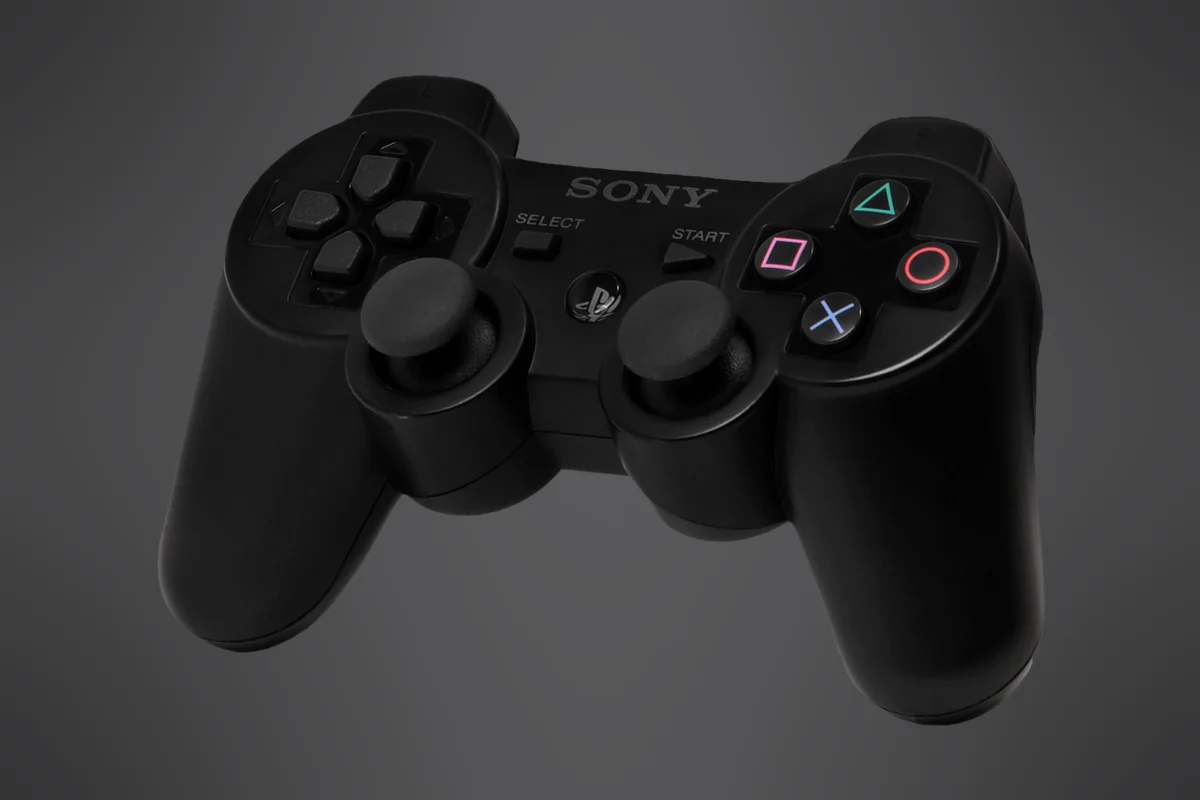
USB\VID_054C&PID_0268, it is being identified as a PS3 controller. - If you have a PS4 or PS5 controller, you don't need this driver. According to its documentation, only the DualShock 3 does.
- Clone controllers are not officially supported. They may or may not work. I only tried a genuine Sony controller.
- Windows 7, 8 and 8.1 are not supported. The driver is developed for current Windows 10 and 11.
Installation
Careful: Download the driver only from the official releases page on GitHub. The project names only its GitHub repository and the
nefarius.atsites as official.dshidmini.com, which appears in search results, is not one of them.
- Open the releases page. Under Assets for the latest v3 release, download the
.msifile. I installed version 3.27.0. - Run the file and accept the licence agreement.
- Keep DsHidMini Drivers selected. That is all you need for wired use.
- Click Yes at the Windows administrator prompt. According to the documentation, this prompt system (UAC) must be enabled.
- Connect the controller with a USB cable. If it is already connected, unplug it and plug it back in.
If you have older tools such as ScpToolkit, the v3 installation guide says you don't need to remove them first: the installer detects conflicting drivers itself. Older guides may say otherwise. My PC didn't have those tools, so I haven't tested this case.
Test that it works
Don't skip this step. A controller appearing in a list doesn't mean it works, which is exactly the problem here.
- Press Win+R, type
joy.cpland press Enter. - Select the controller and click Properties.
- Move the sticks. The values on screen should change as you move them. If they stay fixed, the controller isn't working.
For a closer look, open DsHidMini Control App from the Start menu. According to the documentation, the controller should show as XInput there. The app needs .NET Desktop Runtime 10 (x64), so install that first if you don't have it. Dead zone, LED and controller mode settings are here too.
Velocidrone and other games
Velocidrone: In the controller settings, choose the controller listed as an Xbox / XInput device, then assign and calibrate the axes. On my PC it worked without problems after this setup.
Throttle stick: The DualShock 3's sticks are spring-loaded, so the throttle returns to the centre when you let go. It doesn't stay in place the way it does on a real drone transmitter. Calibrate with that in mind.
Steam: Because the controller appears as an Xbox controller, games show Xbox button prompts. Steam can sometimes list the same controller twice. The official XInput guide explains why and how to fix it.
Some games may have problems. The developers say the driver was built for PlayStation emulators and shouldn't be expected to work perfectly in every modern game. If a game misreads the controller, first check that the mode is XInput. After changing modes, unplug the controller and plug it back in.
Common problems
The controller doesn't appear at all after installing. Try another cable and another USB port. Then check the hardware ID above. According to the official FAQ, the driver won't work if that ID isn't there.
Can I use it wirelessly over Bluetooth? Yes, but you also need the BthPS3 driver. According to the documentation, connecting the controller once over USB while BthPS3 is installed pairs it. I only used it wired and haven't tried wireless.
Do I need DS4Windows or another program? Not for Velocidrone. The driver presents the controller directly as an Xbox controller.
What if I want to undo this? Uninstall Nefarius DsHidMini Driver from Settings › Apps. The controller should go back to the Windows driver, which puts you back where you started. I haven't tried uninstalling it myself.
Why doesn't it just work?
A PS3 controller waits for a signal when connected over USB: it won't start sending data until the computer sends a special request (0xF2). Linux's driver sends this request; a comment in its source code says that without it, the controller won't report any events.
With the built-in Windows driver, the data stream never started: when I measured it, the controller sent zero reports in one second. I also tried sending the request from a program, and it was rejected. When the controller describes itself, it doesn't list this request's ID (only 0x01, 0x02, 0xEE and 0xEF). So an ordinary program can't fix this; the driver has to change, and that is what DsHidMini does.
My wrong turn and what I learned
I did this work together with Claude Code, an AI coding tool. We had already written a program for the DJI Phantom 4 Pro controller and assumed the same approach would work here, so we wrote a bridge that read the controller and passed its input to a virtual Xbox controller.
The controller answered queries about 84 times a second with 80 80 80 80. Those four values looked like the sticks at their centre position. The virtual controller also opened, so we called it working. When I tried it in the game, the sticks didn't respond: that answer wasn't a real reading, just the controller's unchanging startup state. We deleted the bridge, installed the driver, and the controller worked.
- Don't test a controller without moving the sticks. Getting values isn't enough; they have to change with movement.
- Look for an existing solution before writing a program. We hadn't found a tool that spoke the DJI controller's language, so we wrote that program. For the PS3 controller, the tool already existed.
- Check the hardware's identity first. The right search starts once you know the exact model.
Sources
- DsHidMini GitHub repository (Nefarius, BSD-3-Clause licence)
- Official v3 installation guide
- XInput mode explained
- Frequently asked questions
- Linux kernel, hid-sony driver
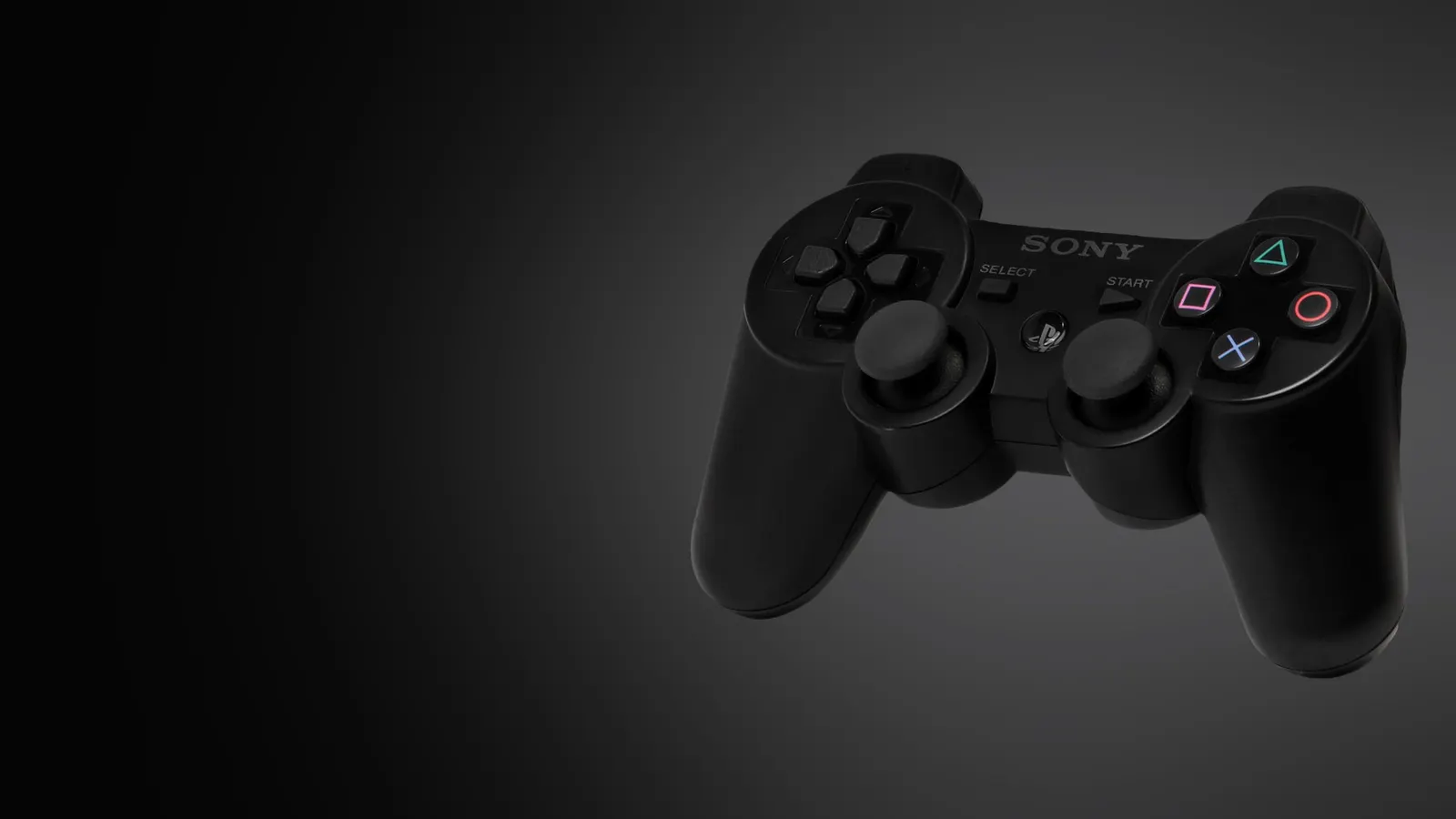
- Cover photo: Evan-Amos and Lorenziand, Wikimedia Commons (public domain). Placed on a dark background for the cover.
Sony, PlayStation and DualShock are trademarks of their respective owners. This article is not affiliated with Sony or Nefarius. It describes my own experience on my PC (3 November 2026) and the official documentation at that time; screens may differ as versions change. A short summary of the project: PS3 controller project.